Getting an API key
You can access your API keys from the SIDE Engine console (console.nextgres.ai).
tip
There are two types of API key: read-only and read-write. Your applications should default to using a read-only API key, and only use a read-write key if you absolutely need to.
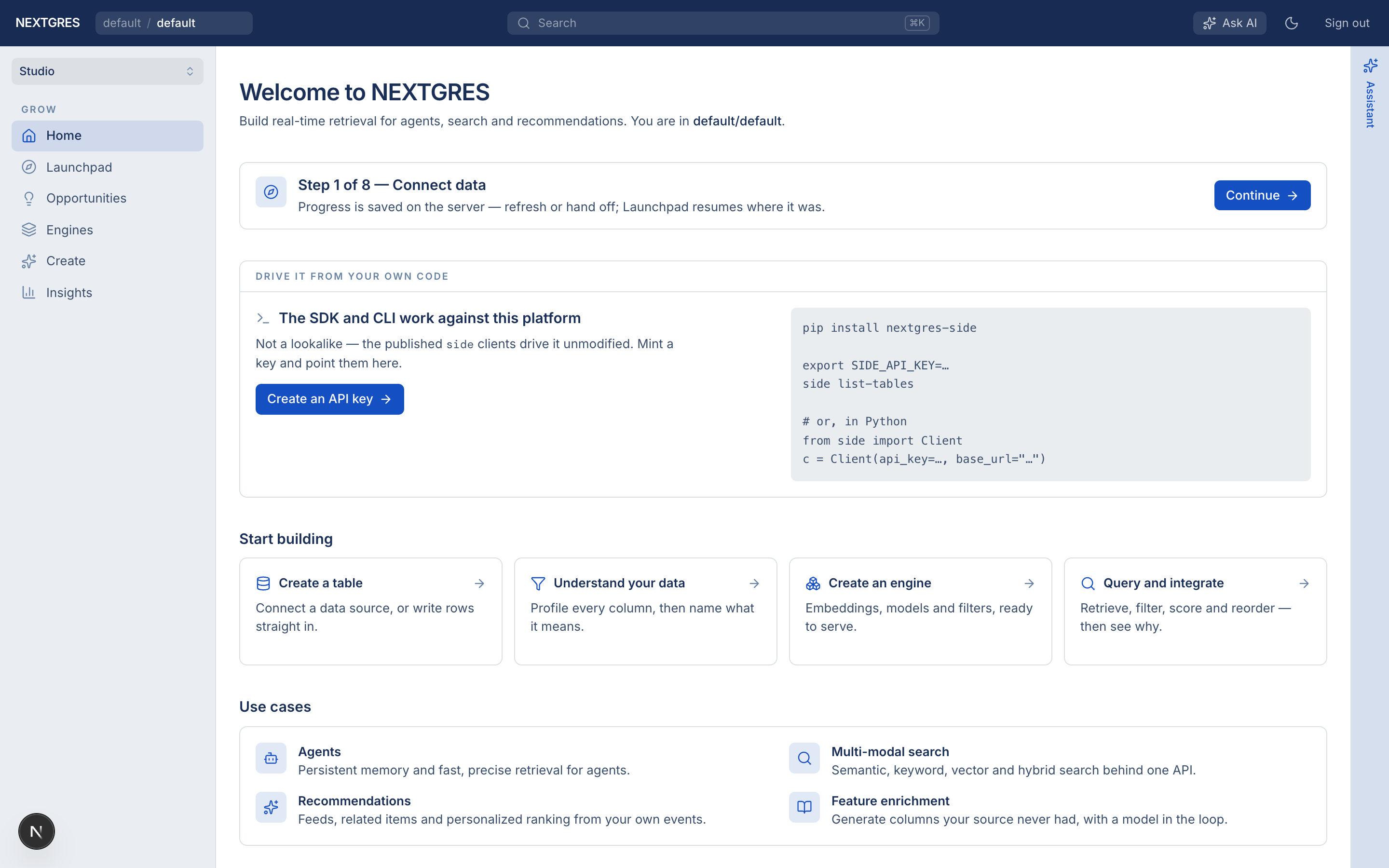
Get your key from the Home screen
From the console home page, open Create an API key under Drive it from your own code:
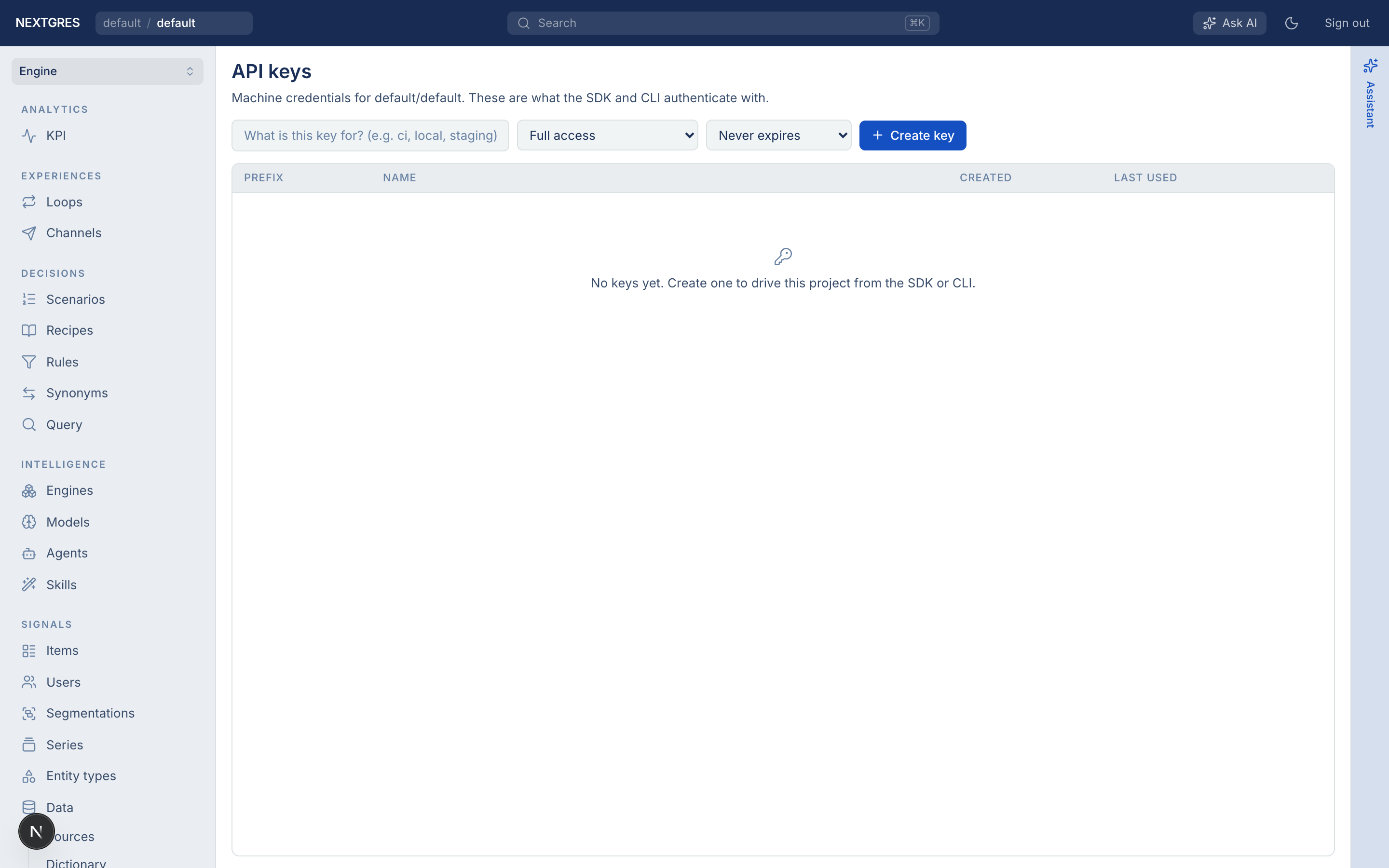
Get your key from API keys settings
Or go to Engine → API keys (or open console.nextgres.ai and navigate to API keys) to mint and manage keys:
Use that key with the SIDE SDKs against https://api.nextgres.ai/v2
(not platform.nextgres.ai).
Need more help?
Contact NEXTGRES support or your account team.