Launchpad quickstart (MovieLens)
Launchpad is the guided path in the SIDE Engine console: connect data, let SIDE Engine understand it, propose recommenders, build engines, and mint an API key — without writing YAML by hand.
This walkthrough uses the public MovieLens 100K dataset (100,000 ratings from ~1,000 users on ~1,700 movies).
Use the SDK Quickstart or the longer MovieLens CLI tutorial instead. Launchpad is the console-first path.
What you will do
| Step | In Launchpad | What happens |
|---|---|---|
| 1 | Connect | Upload MovieLens ratings (and optionally movies) |
| 2 | Analyze | SIDE Engine profiles schemas and builds a data dictionary |
| 3 | Domain | Confirm what the data is about (movies / ratings) |
| 4 | Refine | Optional corrections, then re-analyze |
| 5 | Propose | Pick which recommenders to build |
| 6 | Confirm | Confirm actor, item, interaction (and context) per engine |
| 7 | Build | Provision tables, models, and engines |
| 8 | Ready | Mint a key and try a query |
Progress is saved on the server. You can leave and resume from Home or Launchpad; the card shows Step N of 8.
Prerequisites
- A SIDE Engine account and access to the console (console.nextgres.ai)
- About 5–10 minutes for upload + analysis; build time depends on the models proposed
Optional for local monorepo demos: a dedicated console project named something like MovieLens (project switcher → create project) so demos stay isolated.
1. Prepare MovieLens 100K
Download and unpack the dataset:
curl -L -O https://files.grouplens.org/datasets/movielens/ml-100k.zip
unzip ml-100k.zip
cd ml-100k
You need at least the ratings file (u.data). It has no header row. Either paste a header in the shell, or type column names in Launchpad’s upload form (same effect).
Option A — add a header file (recommended):
(echo -e "user_id\titem_id\trating\ttimestamp"; cat u.data) > ratings.tsv
Option B — leave u.data as-is and, when Launchpad asks for Column names, enter:
user_id, item_id, rating, timestamp
Optional: movie catalog
Ratings alone are enough for a collaborative filter (SIDE Engine can treat users as synthetic from user_id). Uploading movies gives richer item attributes.
u.item is pipe-separated and also headerless. A minimal catalog:
(echo "item_id|title|release_date|video_release_date|imdb_url"; \
  cut -d'|' -f1-5 u.item) > movies.tsv
2. Open Launchpad
- Sign in to the console.
- Open Studio → Launchpad (or continue from the Home card: Step 1 of 8 — Connect data).
- On Connect, choose Upload files.
3. Connect — upload ratings
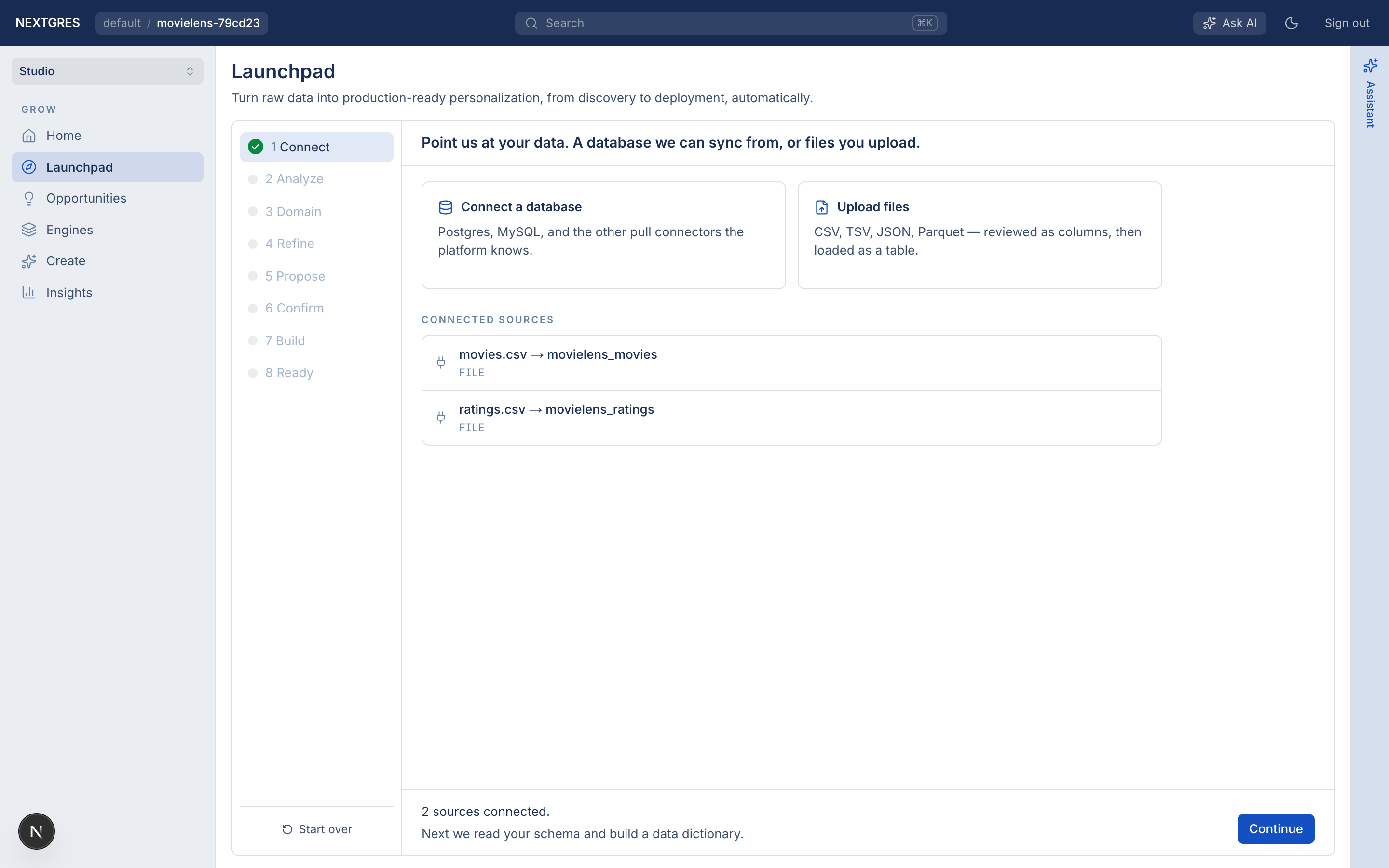
- Select
ratings.tsv(oru.data). - Confirm file type tsv (or let detection pick it).
- Set table name to
movielens_ratings(or keep the suggested name). - If the file has no header, fill Column names as above.
- Click Read the file, review inferred types, then create / load the table.
- Wait until all ~100k rows are loaded.
Optionally upload movies.tsv the same way as a second source (table name e.g. movielens_movies).
When at least one source is connected, click Continue.
If you run the monorepo with the demo Postgres (make demo-movielens / port 55433, database movielens, user/password shaped/shaped), you can Connect a database instead of uploading files and point Launchpad at those tables. The rest of the steps are the same.
4. Analyze
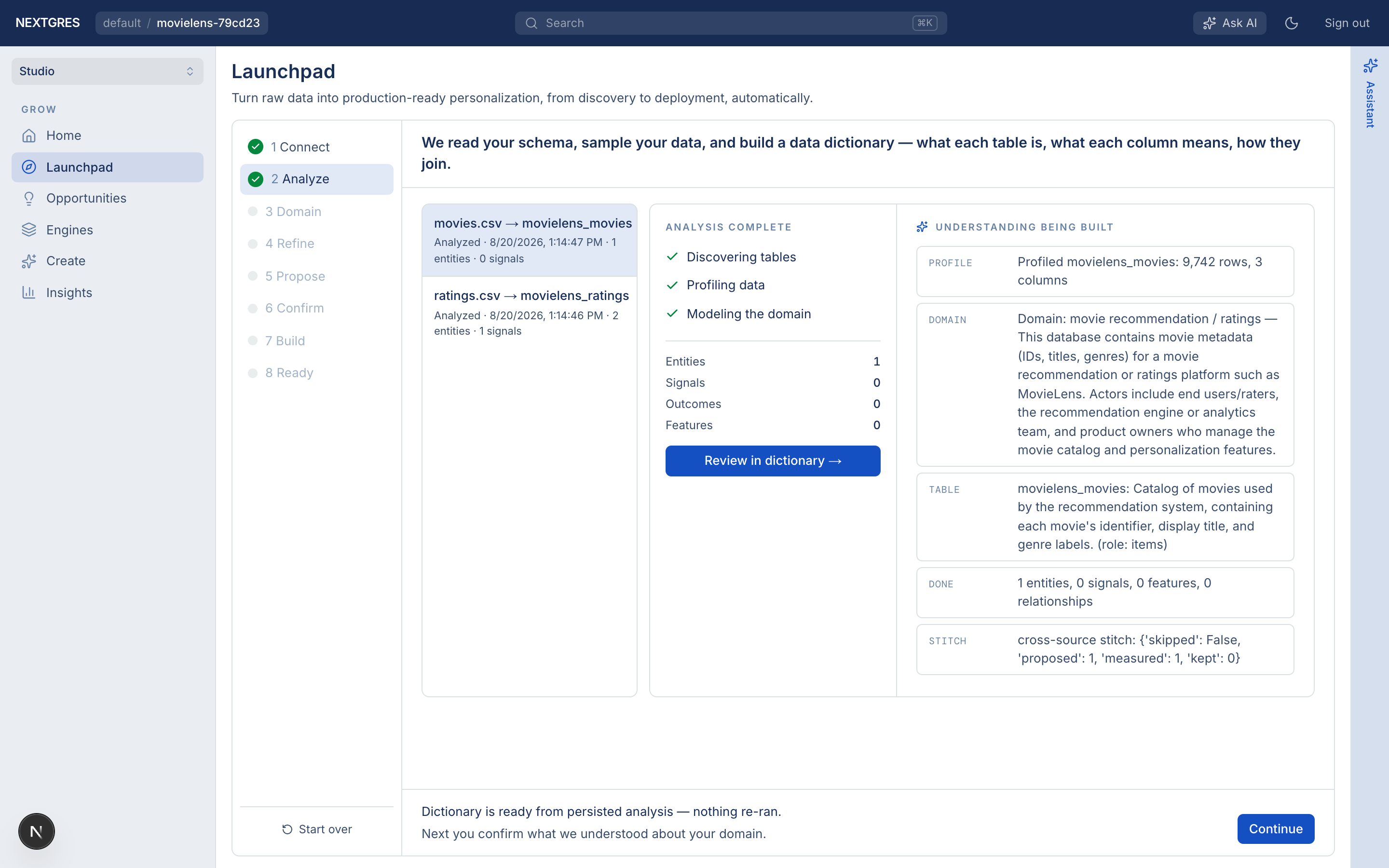
Analyze runs in the background: schema + samples → data dictionary. You can leave the page; Home tracks progress. When the dictionary is ready, click Continue.
5. Domain
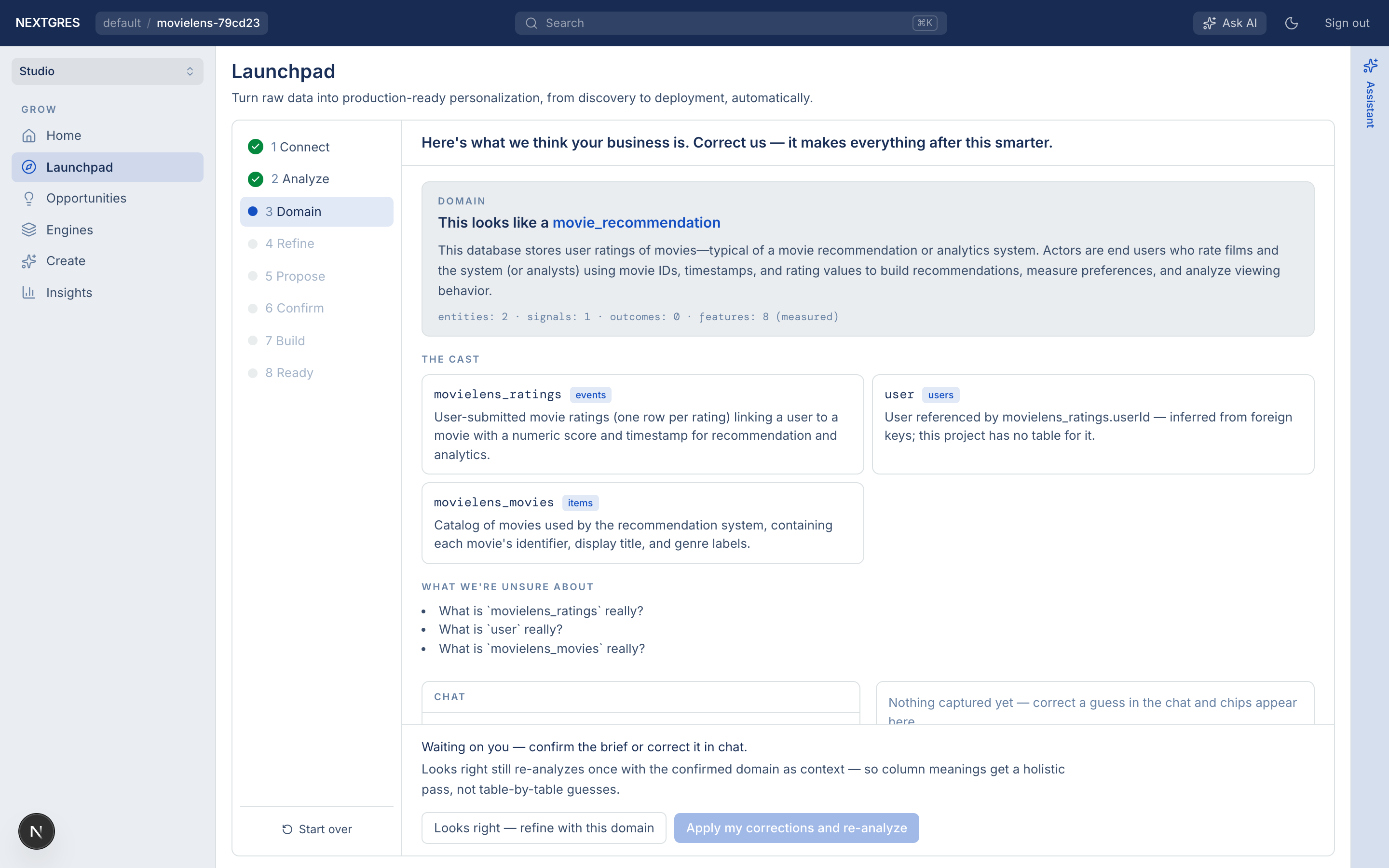
Confirm the brief (movies / ratings). Use Looks right if it matches, or add notes in chat and apply corrections.
6. Refine
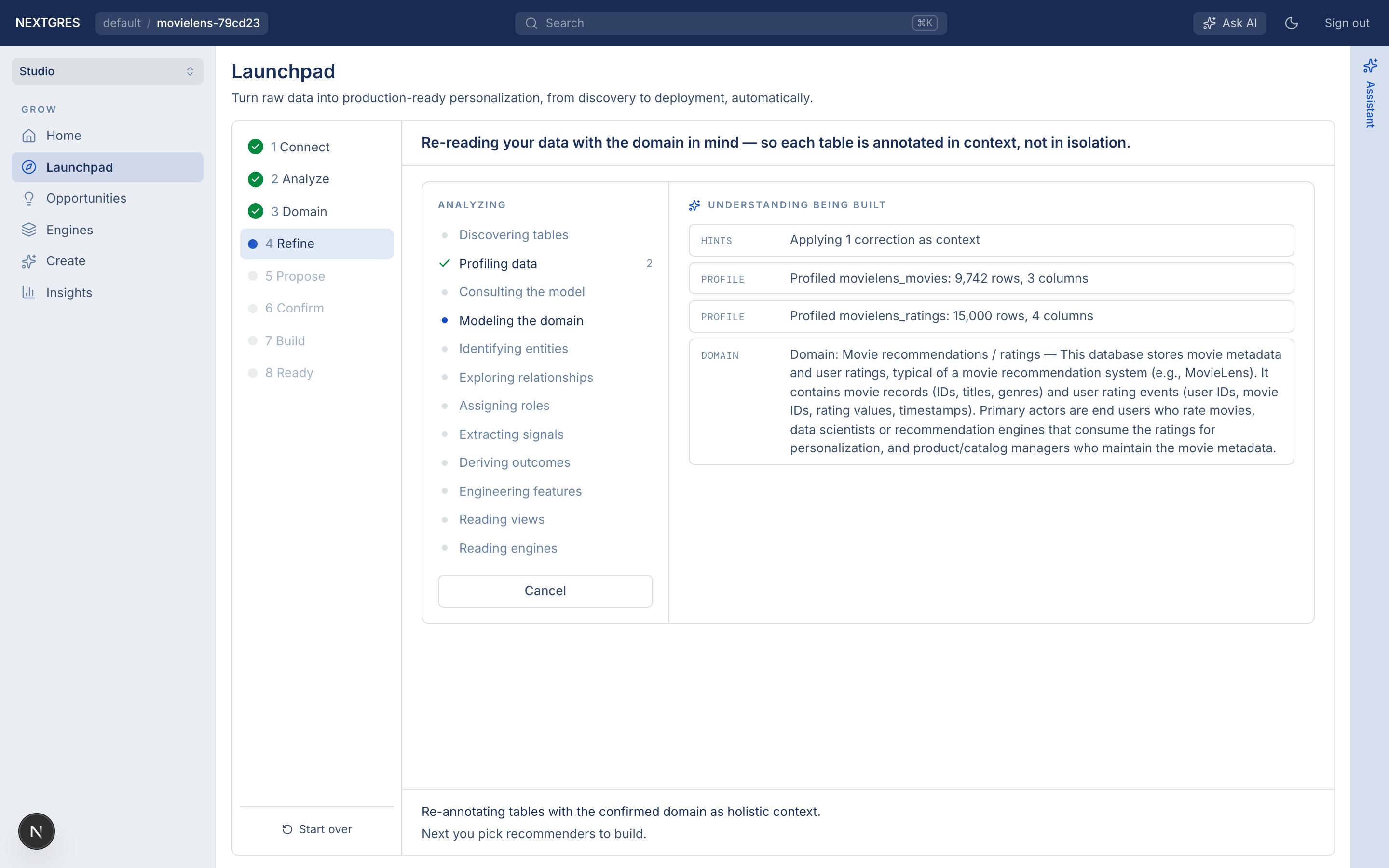
Refine re-runs analysis with your confirmed domain (and any notes) as context, then advances automatically.
7. Propose
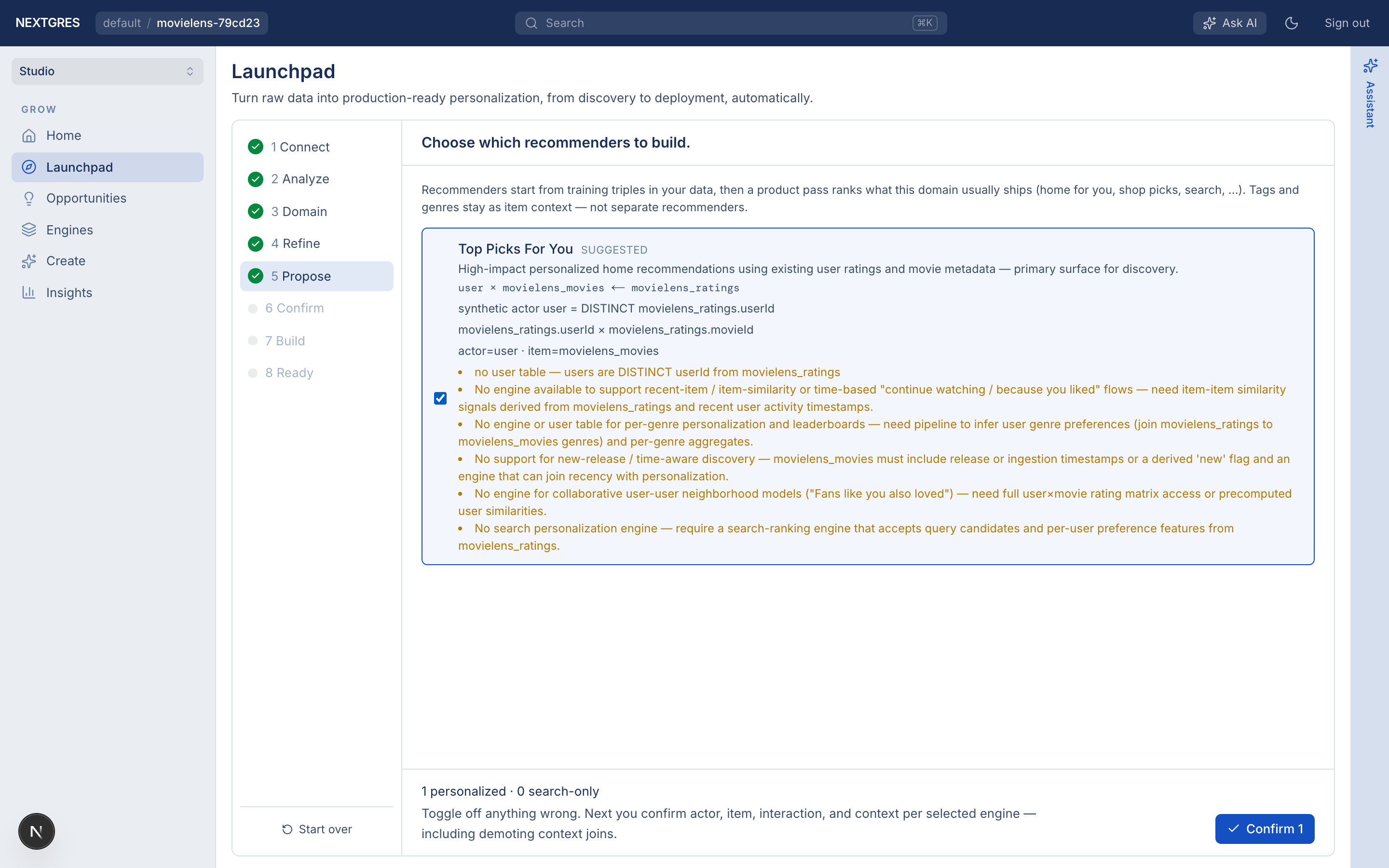
Propose lists recommended engines (for MovieLens, expect collaborative / personalized recommenders over ratings). Toggle off anything you do not want, then confirm the selection.
8. Confirm
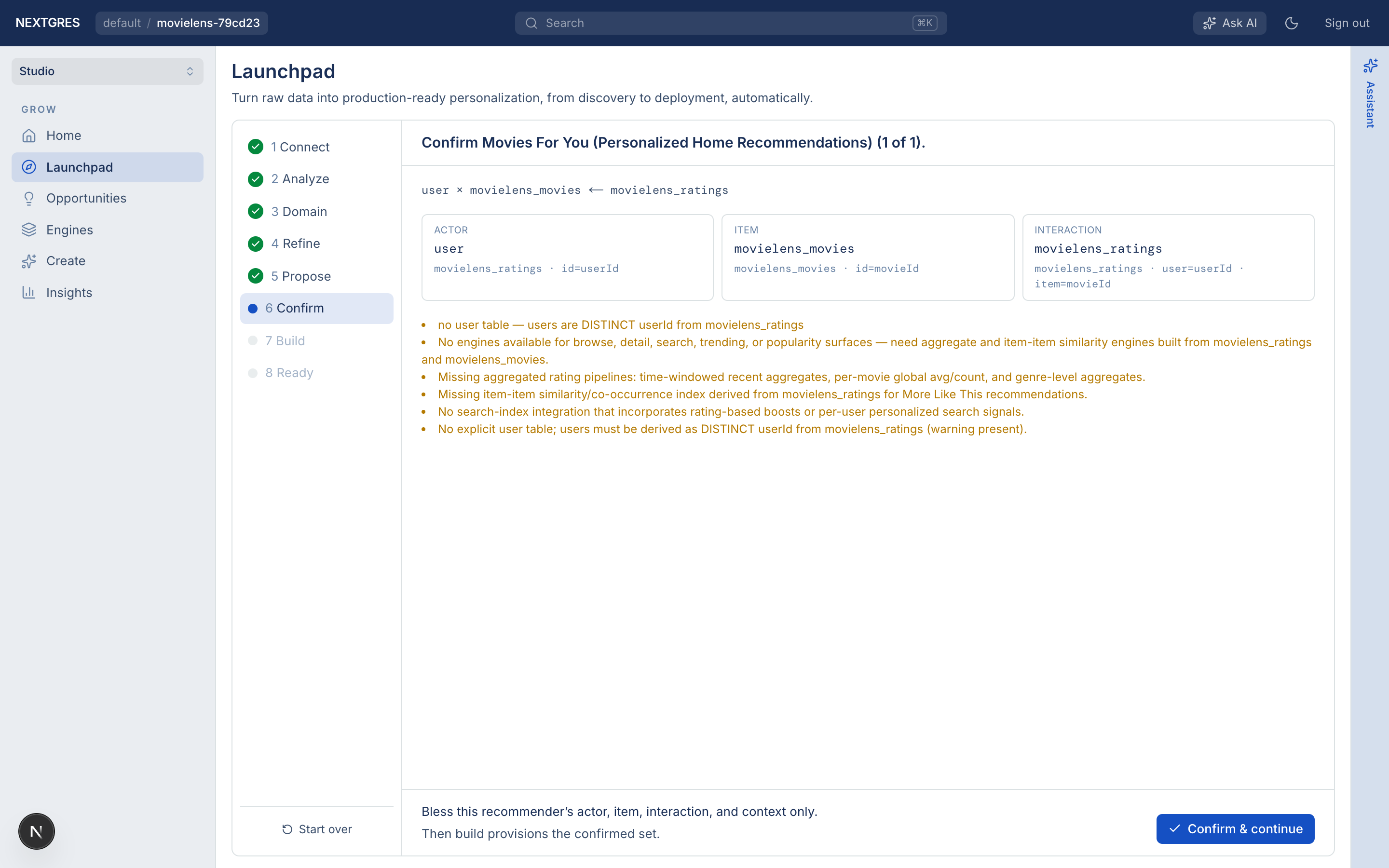
Confirm asks you to verify, per selected engine:
- Actor (users — often synthetic from
user_id/userIdon ratings) - Item (movies, if you uploaded a catalog; otherwise derived from
item_id/movieId) - Interaction (ratings)
- Context joins (usually none for this demo)
Accept the defaults unless something is clearly wrong, then continue.
9. Build
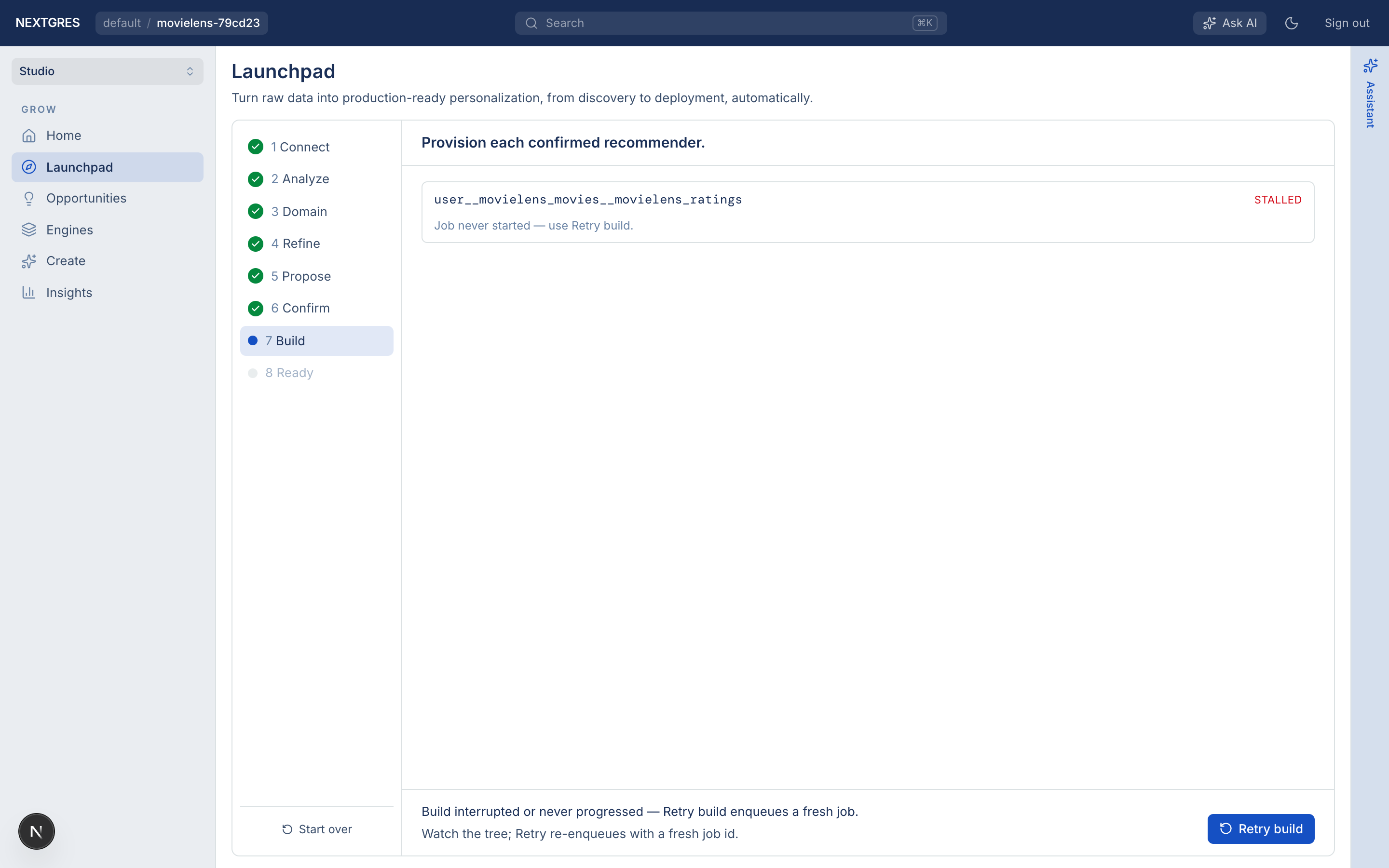
Build provisions the selected engines (training + indexing). Wait until status is done / engines show ACTIVE. If a job stalls, use Retry build.
10. Ready
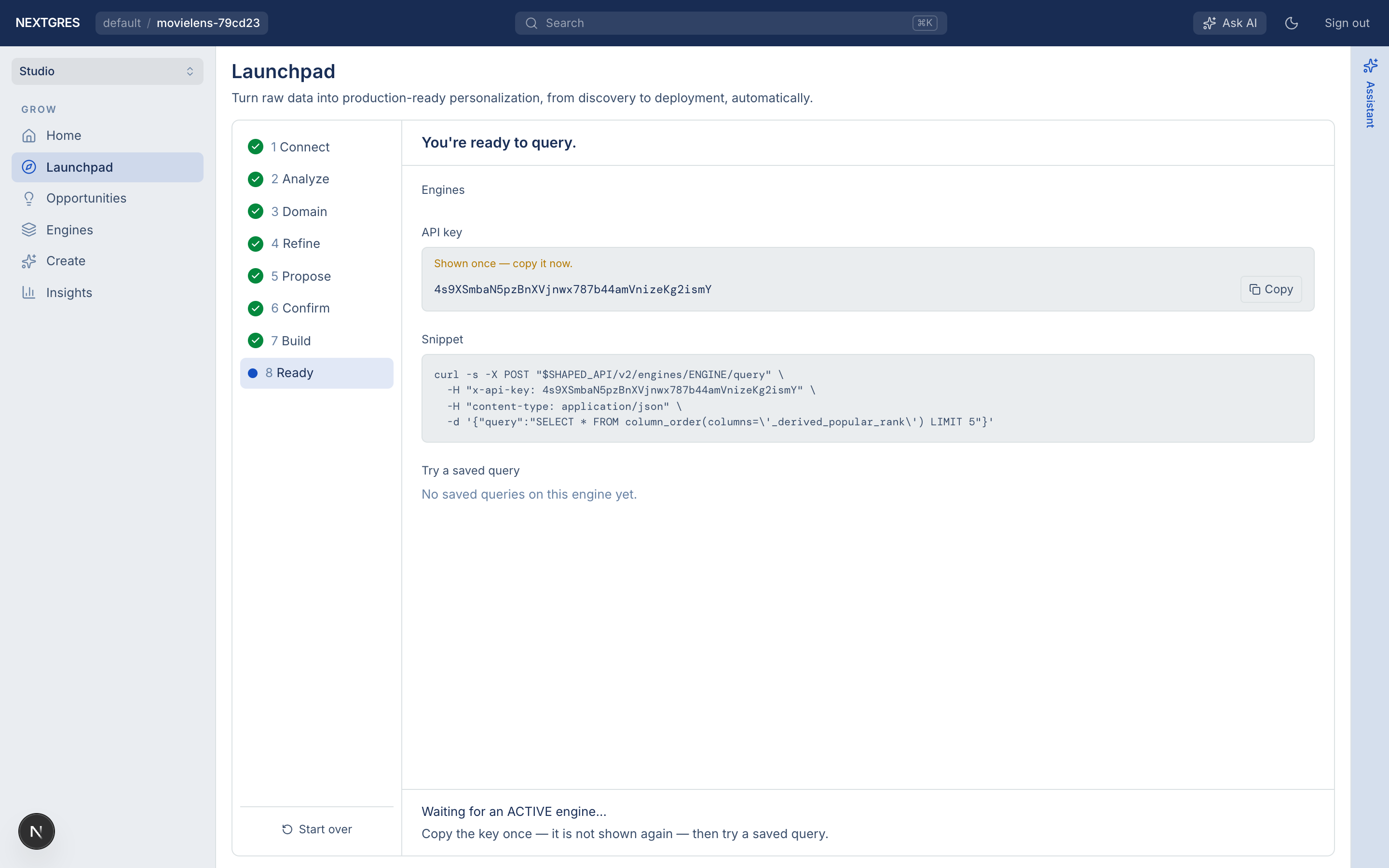
On Ready:
- Mint an API key (shown once — copy it immediately).
- Try a saved query from the console, or query from your machine:
pip install nextgres-side
export SIDE_API_KEY='…paste the key…'
from side import Client

client = Client(api_key="YOUR_KEY")  # default host: https://api.nextgres.ai/v2
# Local API: Client(api_key="…", base_url="http://localhost:8000/v2")

print(client.list_engines())
result = client.execute_query(
    "YOUR_ENGINE_NAME",
    {"limit": 5},  # or a RankQueryBuilder / saved query name via execute_saved_query
)
print(result)
Also see Getting an API key and the Python SDK.
Tips
- One project per demo — create a
MovieLensproject so LastFM / Wellness demos do not share tables. - Start over — Launchpad’s reset abandons the wizard only; sources and engines remain unless you delete them.
- CLI twin — the same dataset end-to-end with YAML is in Movie Recommendations (MovieLens).